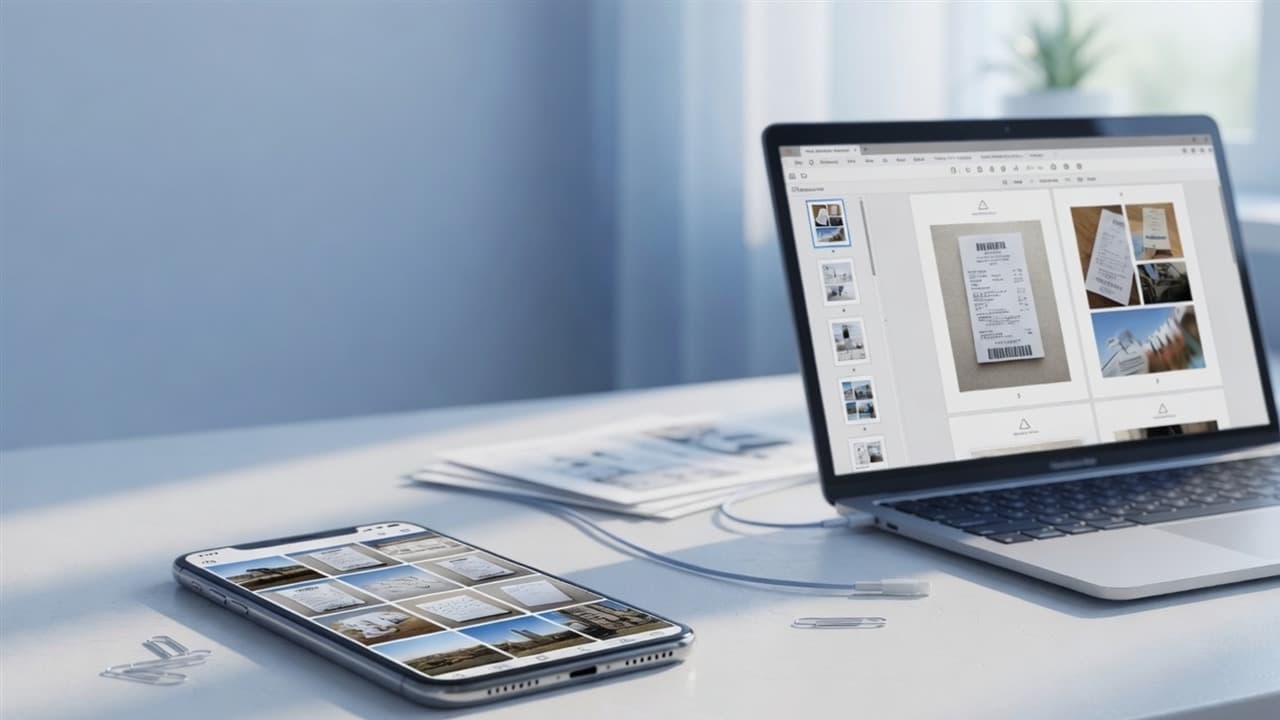
Last month my cousin needed three rent receipts as one PDF for a landlord portal. She had JPGs in her camera roll, zero interest in installing Acrobat, and about twelve minutes before the form closed.
We opened a browser, dropped the photos into a free image to PDF converter, reordered page 2 that had landed first by accident, hit download. Done. No desktop app. No “free trial” wall.
If you need to convert JPG to PDF online — one photo or a stack — this is the plain-English path. Same idea works for PNG and WebP on most tools, including ours.
Pro Tip
Quick answer: Open Image to PDF, upload your JPG/PNG/WebP files, drag to set page order, pick A4 or Letter (or fit-to-image), generate, download. No software install. Then compress the PDF if email or a portal complains about size.
Why people convert images to PDF (and when it makes sense)
A JPG is a picture. A PDF is a container portals, HR systems, and printers treat as a “real document.”
Common reasons:
- Landlord, visa, or school form wants one PDF, not a zip of photos
- You scanned pages with a phone and need a single file to email
- Portfolio or product shots as a shareable multi-page pack
- Someone on Windows can’t open HEIC — convert photos first, then to PDF
If the photos are still in HEIC from an iPhone, convert those first with HEIC to JPG (walkthrough: HEIC to JPG guide). Soft or dark scans? A light pass through the AI image enhancer before PDF often helps more than cranking PDF quality later (enhancer guide).
What a free image to PDF converter actually does
It embeds each image as a page (or scales it onto a page size you choose). You’re not “printing paper” — you’re packaging pictures so software that only accepts PDF stops arguing with you.
Good converters let you:
- Upload multiple images at once
- Reorder pages before export
- Choose A4 / Letter / Legal / fit to image
- Keep portrait or landscape sensible
PdfPixels does that in Image to PDF without installing software. Input is typically JPG, JPEG, PNG, WebP (and often BMP). Output is one PDF.
Step-by-step: convert JPG to PDF online (no software)
Step 1 — Open the tool in any browser
Go to PdfPixels Image to PDF. Works on Chrome, Edge, Safari, Firefox — laptop or phone.
Step 2 — Upload your images
Drag and drop, or pick from Files. One receipt or twenty pages of notes — same flow. Prefer the original photos, not WhatsApp re-saves that already look muddy.
Step 3 — Reorder pages
Drag thumbnails so page 1 is really page 1. This is the step people skip, then they re-upload three times. Fix order here.
Step 4 — Pick page size and fit
| Setting | When to use it |
|---|---|
| A4 | Most international forms, schoolwork, EU/India-style portals |
| Letter | US letters and many North American HR systems |
| Fit to image | Photo-led PDFs where you don’t want empty margins forcing a crop |
| Contain (no crop) | Whole image visible; may letterbox |
| Fill | Full page coverage; may crop edges |
For official scans, A4 + contain is the safe default. For a photo portfolio, fit-to-image often looks cleaner.
Step 5 — Generate and open the PDF
Download, open it, flip through once. Wrong order or a sideways page? Fix now — Rotate PDF if a scan is on its side, or rebuild with the right order.
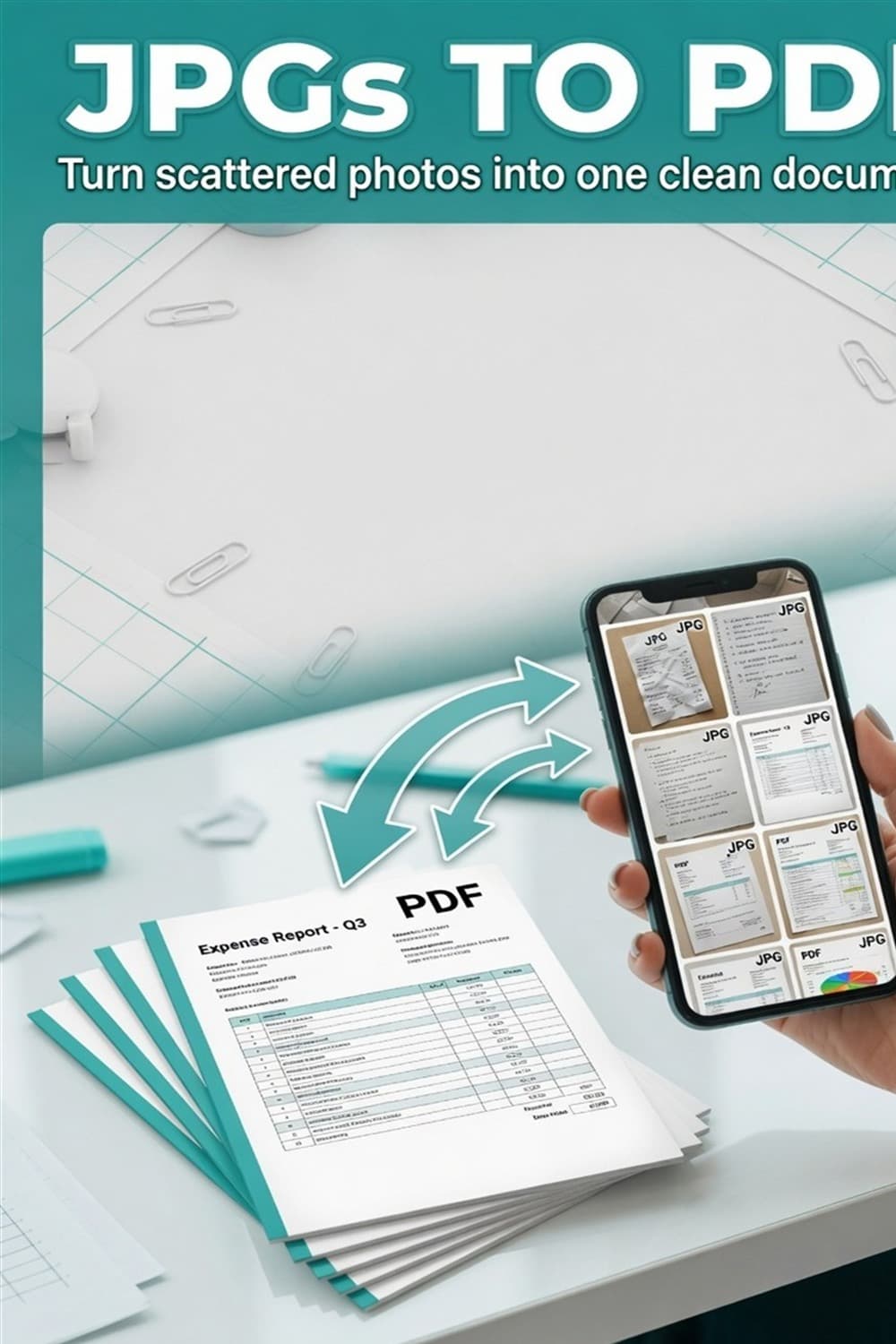
Pinterest-ready vertical guide showing JPG photos converting into a multi-page PDF online with no software install
After conversion: size, merge, protect
File too big for email or Gmail?
Phone photos make fat PDFs. Run Compress PDF before you attach. Gmail’s wall is about 25MB — full playbook: reduce PDF size for Gmail. General email limits: reduce PDF size for email.
Portal wants under 1MB or 200KB?
That’s common for government and job uploads. After image→PDF:
- Compress PDF under 1MB
- Compress PDF to 200KB for email attachment
- Strict forms: compress PDF for government job form
Tip: for text paperwork, scan or photograph at 150–200 DPI and grayscale when color isn’t required. Then convert. You’ll fight less with size later. Scanned PDF quality notes: compress scanned PDF without losing quality.
Already have some PDFs and some JPGs?
Convert images with Image to PDF, then combine everything with Merge PDF (merge guide). Compress each piece first if the final upload has a tight cap.
Need to lock or number pages?
- Password protect PDF
- Add page numbers
- Edit further: edit PDF online free
Phone workflow (iPhone & Android)
iPhone: Safari → Image to PDF → upload from Photos/Files → reorder → download to Files → upload to the portal or email. HEIC first? HEIC to JPG.
Android: Chrome → same tool → select images → generate → share or download → attach.
No app store install. No cable to a PC required.
Quality: will the PDF look worse than the JPG?
A solid image to PDF converter embeds the image; it doesn’t need to “re-JPEG” it into mush if settings are sane. What *does* hurt quality:
- Starting from a tiny chat-compressed photo
- Using Fill/crop when you needed the full page edge
- Hammering High PDF compression afterward when you only needed a light pass
If the photo is soft before conversion, fix the image first (AI enhancer or a cleaner reshoot), then convert.
Common mistakes
- One image per email when the form says one PDF — convert and merge first.
- Wrong page order — drag thumbnails before generate.
- Skipping compress on 12MP phone shots — portals reject 40MB “document” PDFs.
- Sharing originals with GPS still on for personal docs online — strip metadata when privacy matters (remove EXIF/GPS).
- Installing random desktop freeware for a two-minute job — browser tools are enough for most people.
Regional notes (GEO)
- India / SEA: Many exam and government uploads want A4 PDF certificates from phone photos — convert, then hit the size cap.
- US / Canada: Letter size is the usual default for HR and school forms.
- UK / EU: A4 is standard; same free browser flow.
- Mobile-first users: The whole pipeline (HEIC→JPG if needed → image to PDF → compress) works on phone Safari/Chrome.
Image to PDF vs print-to-PDF vs merge
| Goal | Better tool |
|---|---|
| Photos → multi-page PDF | Image to PDF |
| Already several PDFs → one file | Merge PDF |
| Open a file and “print” a flatter PDF | Browser Print → Save as PDF, then compress |
| Shrink for Gmail/portal | Compress PDF |
More on free PDF workflows without Adobe: free PDF editor alternative.
For tutors, landlords, and how-to blogs (backlinks that help)
If you run a student blog, real-estate FAQ, or support center, link a real image to PDF converter when people only have phone photos. Natural anchors:
- “convert JPG to PDF online free”
- “image to PDF converter no software”
- “combine receipt photos into one PDF”
Cite-ready URLs:
- This guide: https://www.pdfpixels.com/blog/convert-jpg-to-pdf-online-no-software
- Tool: https://www.pdfpixels.com/tools/image-to-pdf
Forum and campus WhatsApp answers that paste a working free tool earn trust (and the occasional editorial link) because they solve the upload error — not because of a link scheme.
Useful external references
- Adobe: create a PDF from images — desktop Acrobat path if you already pay for it
- MDN: image file types — JPG vs PNG vs WebP basics
- Google Drive / WeTransfer — share full-quality packs when email size is the real blocker
Bottom line
Convert JPG to PDF online without software: upload to Image to PDF, set order and page size, download. Use a proper image to PDF converter when portals demand PDF. Compress afterward for Gmail and strict forms. Fix HEIC and soft photos *before* you build the file.
Bookmark the tool once. The next landlord portal, school form, or “please send as PDF” email is a two-minute job — not a software scavenger hunt.
Topics
FAQFrequently Asked Questions
How do I convert JPG to PDF online for free without software?
Open a free image to PDF converter like PdfPixels Image to PDF in your browser, upload one or more JPG files, reorder pages if needed, choose a page size such as A4 or Letter, generate the PDF, and download it. No desktop install is required.
What is an image to PDF converter?
It is a tool that packages one or more image files (JPG, PNG, WebP, etc.) into a PDF document so each image becomes a page. Portals, email workflows, and printers often accept PDF more reliably than loose photo files.
Can I combine multiple images into one PDF?
Yes. Upload all images at once, drag them into the correct order, then generate a single multi-page PDF. If you already have separate PDFs, use Merge PDF after converting images.
Will converting JPG to PDF reduce image quality?
A good converter embeds images at high quality. Quality usually suffers more from tiny chat re-saves, aggressive cropping settings, or heavy PDF compression after conversion — not from the conversion step itself.
What page size should I choose for forms?
Use A4 for most international and many government forms, Letter for typical US documents, or Fit to Image for photo-first PDFs. Prefer Contain so important edges are not cropped.
My PDF from photos is too large to email. What now?
Run the PDF through Compress PDF after conversion. For Gmail, stay under about 25MB. For strict portals, you may need under 1MB or 200KB using higher compression and fewer pages.
Can I convert JPG to PDF on my phone?
Yes. Open Image to PDF in mobile Safari or Chrome, upload from Photos or Files, reorder, download, and attach or upload to the portal. Convert HEIC to JPG first if the tool expects common web formats.
JPG vs PNG — which is better before making a PDF?
JPG is fine for photos and most phone scans. PNG is better for sharp screenshots or graphics with text and hard edges. Both convert to PDF the same way in an image to PDF converter.