
Applying for a government job—whether it's an SSC or UPSC exam in India, a federal position in the United States, or a civil service role in the UK—is stressful enough without the added frustration of digital roadblocks. You've spent hours filling out your details, perfecting your resume, and scanning your certificates. Finally, you click "Submit"—only to be hit with a blazing red error: *"File size too large. Please upload a document under 200KB."*
If you are wondering how to reduce pdf for government form uploads without making your text blurry or your certificates unreadable, you have come to the right place. In this guide, we will break down the exact, human-tested methods to compress your PDF files quickly, securely, and completely free of charge.
💡 Pro Tip
Quick Fix: Need to submit your application right now? Head over to our free Compress PDF tool. Upload your large document, select "Strong Compression," and download a perfectly optimized file ready for your government portal in seconds.
Why Do Government Portals Have Such Strict PDF Size Limits?
When you are trying to submit an application for an SSC, UPSC, state government, or federal position, you might notice that the file size limits are incredibly restrictive—often maxing out at 200KB or 500KB.
This isn't just to make your life difficult. Government recruitment portals receive hundreds of thousands, sometimes millions, of applications for a single job opening. If every applicant uploaded a 5MB scanned PDF, the servers would crash under the sheer volume of data, and the storage costs would be astronomical. By forcing you to compress your PDF, the government ensures the portal remains fast and stable for everyone.
For an even deeper dive into why PDFs become so bloated in the first place, you might want to check out our comprehensive guide on how to compress PDF file size.
Step-by-Step: How to Reduce PDF for Government Form
The biggest challenge when compressing certificates and IDs is maintaining legibility. A blurry signature or an unreadable date of birth can lead to instant rejection. Here is the safest way to compress your document.
1. Use a Dedicated Online PDF Compressor
The most reliable method to get your file size down without destroying quality is to use an online PDF compressor that uses smart algorithms. We recommend using PdfPixels Compress PDF.
2. Upload Your Scanned Documents
Once you are on the tool page, drag and drop your scanned resume, ID, or certificates. The tool is fully browser-based, meaning your sensitive documents are processed locally on your device and are never stored on an external server. This is critical for maintaining your privacy when handling personal government documents like Aadhar cards, SSNs, or passports.
3. Select the "Strong" Compression Level
Because government forms require very small file sizes (like under 200KB), the "Basic" compression level might not cut it. You need to select Strong Compression.
This setting intelligently downsamples images, removes unnecessary invisible metadata, and flattens the file—while ensuring that the vector text and essential visual details remain intact.
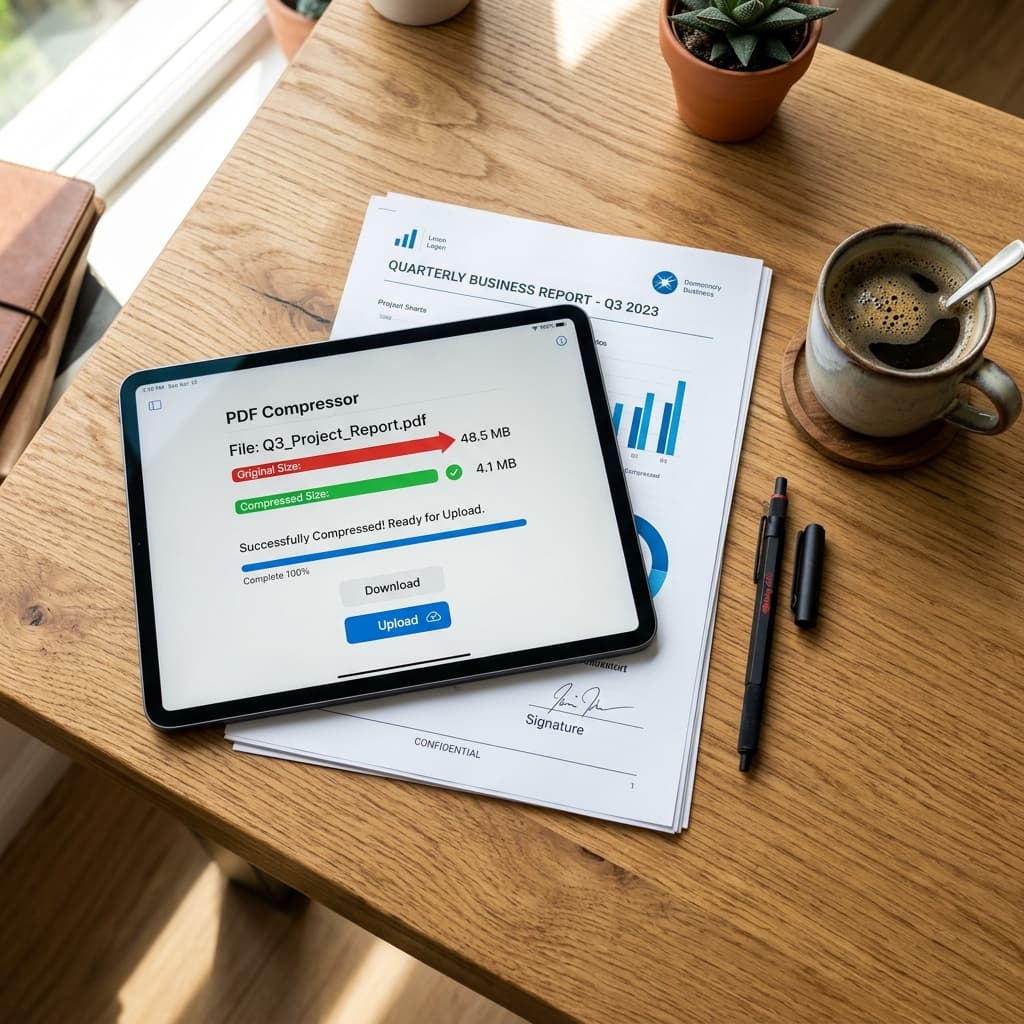
A modern tablet displaying a successful PDF compression from 5MB down to 180KB, perfect for a government upload
4. Verify Legibility and Download
After a few seconds, the tool will display the new file size. Before you immediately upload it to the portal, open the downloaded PDF on your computer or phone. Zoom in on your name, dates, and any official seals or signatures.
If everything is legible, you are ready to complete your job application! If it is somehow *too* blurry (which is rare), you may need to re-scan your original document at a slightly lower DPI and try again.
What If My File Is Still Too Large?
If you have run your PDF through the compressor and it is still hovering above the strict 200KB mark, here are a few advanced strategies:
Split the Document
Does the portal specifically ask for just your graduation certificate, but you scanned all your college transcripts into one massive 10-page PDF? This is a common mistake. Use a Split PDF tool to extract *only* the specific page the form requires. A 1-page document is exponentially easier to compress than a 10-page booklet.
Combine Specific Pages
Conversely, if the portal only provides one upload slot for multiple documents (e.g., "Upload ID and Signature"), you need to merge them first. You can use our Merge PDF tool to combine them into one file, and *then* run the merged file through the compressor.
Check Your Scanner Settings
If you are using a mobile scanning app or a physical flatbed scanner, check the DPI (Dots Per Inch) settings. Scanning at 600 DPI is great for archiving high-quality photos, but it is overkill for a text document. Re-scan your physical documents at 150 DPI or 200 DPI. This creates a much smaller baseline file that can be easily compressed to meet government standards.
A Word on Link Building and SEO for Bloggers
If you operate an educational or job-preparation blog and want to help your readers navigate the frustrating world of application uploads, linking to high-quality PDF tools is a great way to earn quality backlinks and add value. In the SEO world, providing practical solutions—like a guide on how to compress PDF to 200KB—signals to search engines that your content is genuinely helpful.
When you build backlinks to utility pages from job portals or educational forums, ensure the anchor text is natural and directly relevant to the user's immediate problem. For instance, instead of a generic "click here," use descriptive anchors like "compress your scanned certificates" or "reduce PDF size for the SSC portal." This approach not only aids your own site's SEO but creates a significantly better user experience.
Final Thoughts on Government Form Uploads
Applying for a government job requires patience and attention to detail. Don't let a "file size too large" error be the reason you miss a deadline. By understanding how to reduce pdf for government form submissions and utilizing free, secure tools, you can ensure your application sails through the digital portal without a hitch.
Bookmark the Compress PDF tool now so you have it ready for your next application!
Topics
FAQFrequently Asked Questions
How do I reduce a PDF file to 200KB for a government form?
You can easily reduce your PDF to under 200KB by using a free online tool like PdfPixels Compress PDF. Upload your document, select the 'Strong Compression' option, and the tool will automatically reduce the file size while keeping the text and images clear.
Is it safe to upload my ID and certificates to an online PDF compressor?
Yes, if you use a browser-based compressor like PdfPixels. Your sensitive government documents are processed locally on your own device and are never uploaded or stored on an external server, ensuring complete privacy.
Why is my scanned certificate PDF so large?
Scanned documents are essentially high-resolution photographs of paper. If your scanner is set to a high DPI (like 600 DPI), the resulting PDF will be massive. Scanning at 150-200 DPI creates much smaller files that are easier to compress.
Can I compress a PDF on my mobile phone for a job application?
Absolutely. Simply open your mobile browser, go to the PdfPixels Compress PDF page, upload your document directly from your phone's storage, and download the compressed version to upload to the government portal.


