Image Tools Guides
Every image tools guide we've published — tested workflows, real numbers, and the free tools to do it yourself.
Advertisement
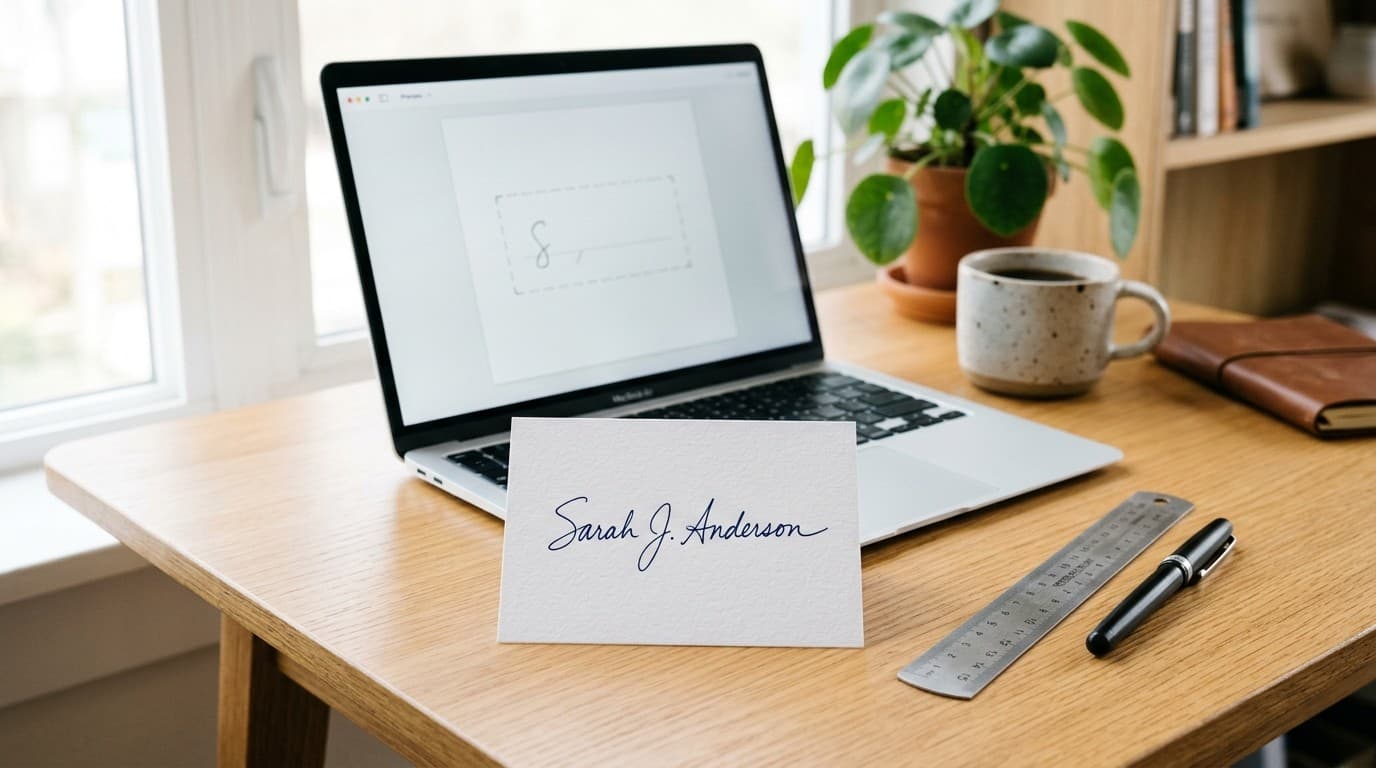
I Audited 40+ Government & Bank Signature Rules — Here's the 6×2 cm (300 DPI) Fix That Stops Form Rejections
Most government, exam, and banking portals reject signature uploads over invisible pixel, DPI, or 10–20 KB mismatches. After checking over 40 official portal rulebooks, here is the exact 6×2 cm (300 DPI) workflow that passes validation on the first try.
How to Resize a Photo to 600×600 Pixels for DV Lottery and Visa Forms
The Diversity Visa lottery, most US visa applications, and many online forms reject photos that are not exactly 600×600 pixels. Here is how to crop and resize any photo to 600×600 in under a minute — free, in your browser.
Combine Your Passport Photo and Signature Into One Image for Exam Forms
Thousands of application forms ask for a photo and a signature uploaded as one combined image — usually 140×60 pixels, under 20KB, in JPG. Here is the exact way to build that composite correctly, without the signature floating in white space or the photo getting squashed.
How to Reduce Photo File Size on Any Device (JPG, PNG, iPhone, Android)
A single phone photo weighs 2–8MB — and most forms, email systems, and websites want it under 100KB. Here is what actually makes a photo heavy, and the exact steps to shrink any image on a phone or computer without ruining it.
How to Combine Screenshots Into One Image or One PDF
A chat conversation, a proof of payment, a thread of evidence — screenshots multiply fast, and the recipient wants one file. Here is how to stack or grid them into a single image, or bind them into one clean PDF, in any browser.
How to Make a Photo Collage Without Installing Anything
Six vacation photos, one memory, and a chat that won't accept six separate attachments. Here's how to turn any group of photos into a clean grid collage in about a minute — on a phone or computer, free, with zero uploads.
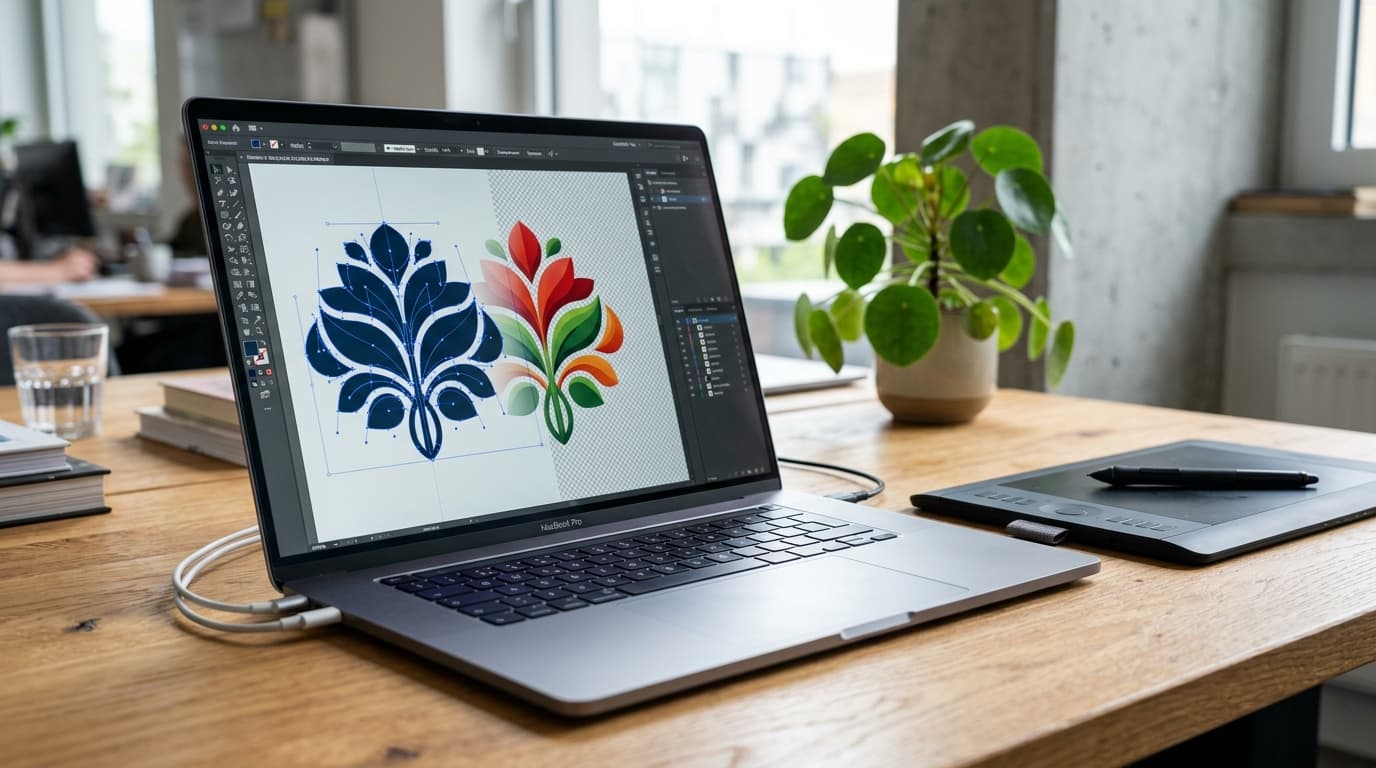
SVG to PNG Online Free: Complete Converter Guide
Need to turn scalable vector graphics into crisp, universally supported PNG images? Here is everything you need to know about using a free SVG to PNG converter — preserving transparent backgrounds, locking in pixel density, and avoiding blurry rasterization.
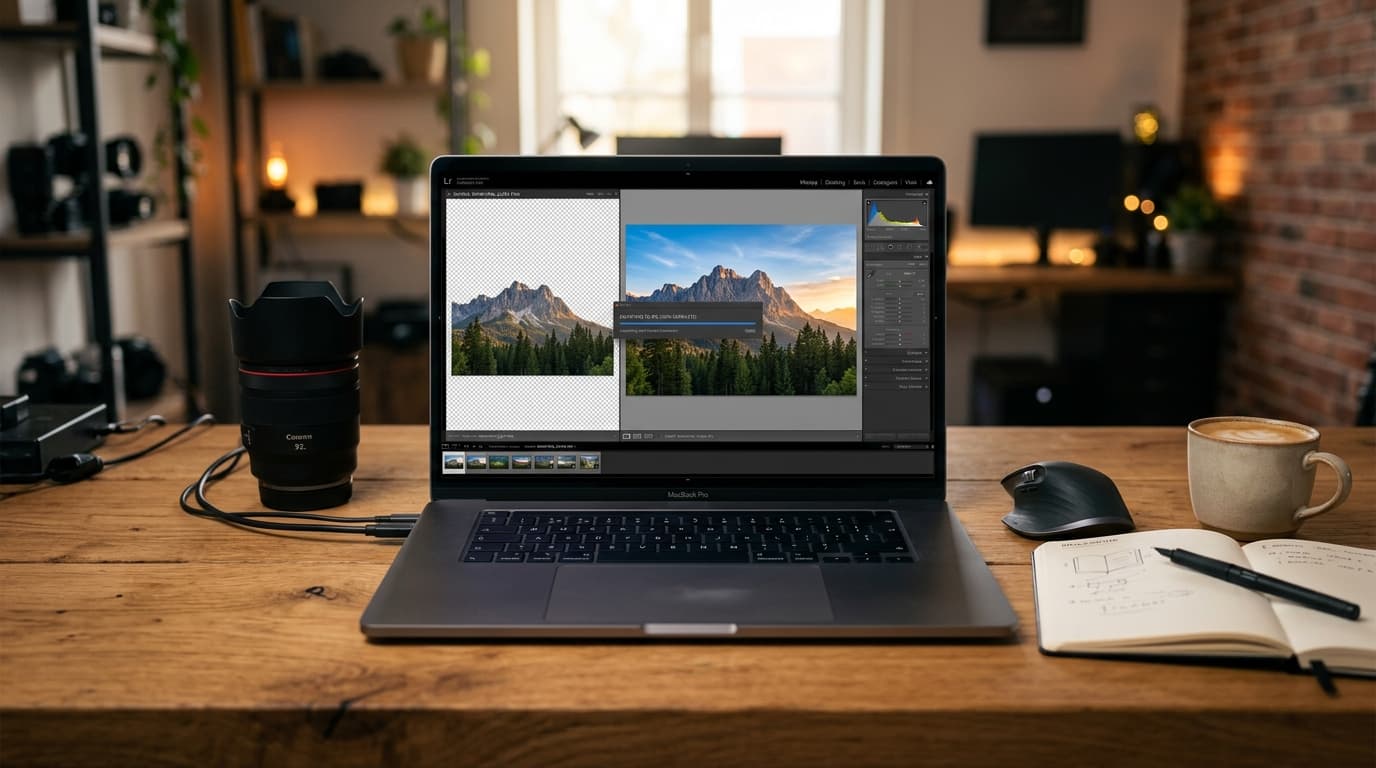
PNG to JPG Converter: How & When to Switch Formats
Stuck with an oversized PNG or a form that insists on JPG? Here is a practical guide to using a free PNG to JPG converter — when to switch, how to preserve quality, and what happens to transparency.
Advertisement
Advertisement
Put these guides to work
Try the free 155+ browser-based PDF and image tools — no sign-up, no watermarks.
Explore All ToolsAdvertisement