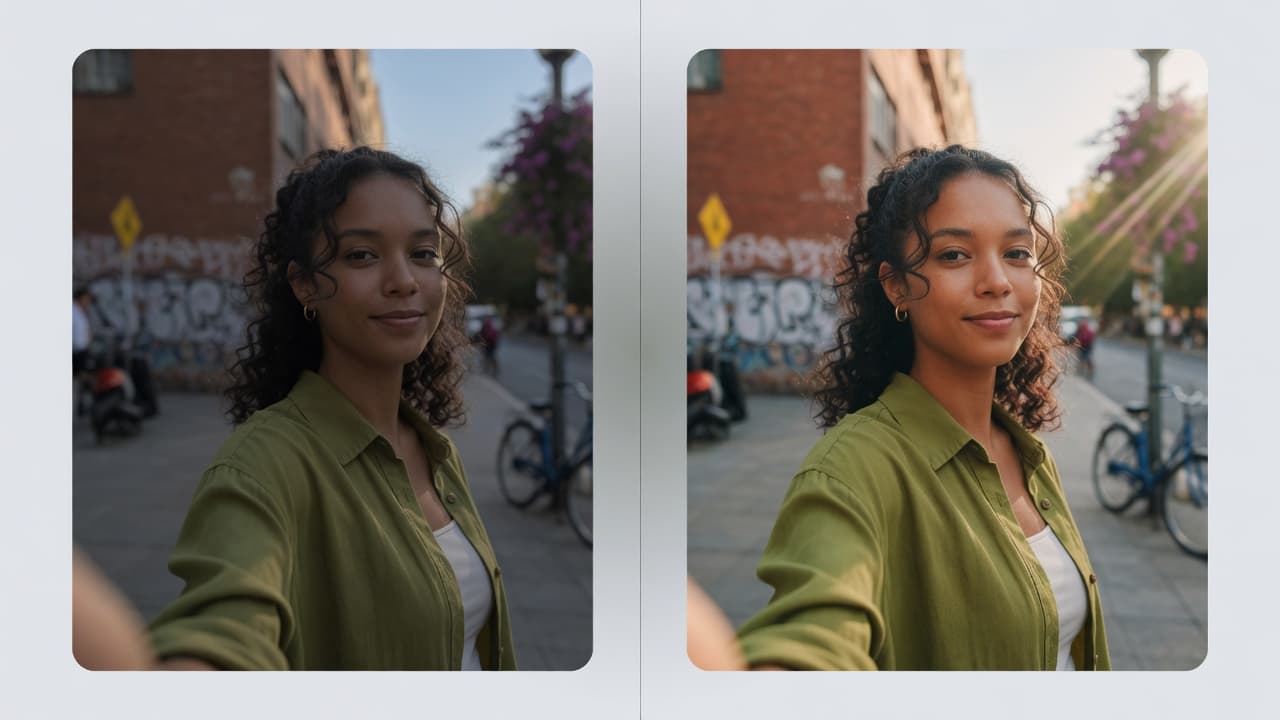
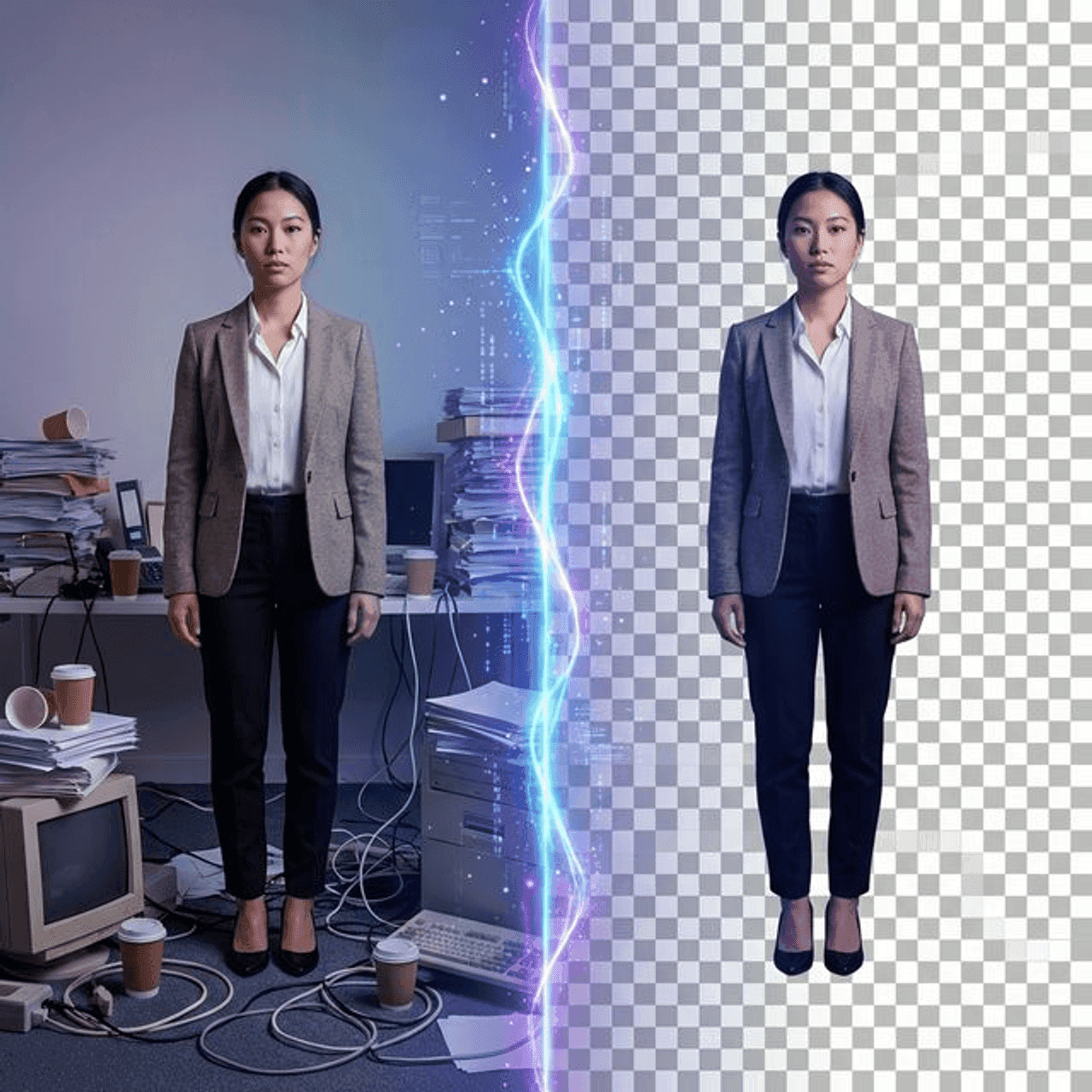
<h2>Why Background Removal Matters</h2>
<p>Clean background removal is a non-negotiable requirement in several common workflows. Amazon and Shopify product listings require white or transparent backgrounds — photos taken against cluttered or colored backgrounds are rejected or look unprofessional in the marketplace. LinkedIn headshots and professional profile pictures look more polished when placed on a clean background. Presentation slides and marketing materials look more consistent when product images share a unified background treatment. Removing a background manually in Photoshop takes 5–30 minutes per image depending on complexity — AI tools can do the same job in seconds, free.</p>
<h2>What to Look for in a Background Remover</h2>
<p>Not all background removers perform equally. Key factors to evaluate:</p>
<ul>
<li><strong>Edge quality</strong> — how cleanly does it handle hair, fur, and fine details at the subject boundary?</li>
<li><strong>Transparency support</strong> — does it output a transparent PNG or does it replace the background with white?</li>
<li><strong>Batch processing</strong> — can you process multiple images at once or only one at a time?</li>
<li><strong>No signup required</strong> — do you need an account for basic usage?</li>
<li><strong>Free tier limits</strong> — how many free removals do you get before paying?</li>
</ul>
<h2>6 Free Background Remover Tools Compared</h2>
<table>
<thead>
<tr>
<th>Tool</th>
<th>Best For</th>
<th>Free Tier</th>
<th>Output Quality</th>
<th>Batch Support</th>
</tr>
</thead>
<tbody>
<tr>
<td>PdfPixels Remove Background</td>
<td>Quick transparent PNG, no account</td>
<td>Unlimited, no account</td>
<td>Good — clean edges on standard subjects</td>
<td>One at a time</td>
</tr>
<tr>
<td>Remove.bg</td>
<td>Best AI quality, complex hair/fur</td>
<td>1 free preview (low-res); paid for full-res</td>
<td>Excellent — industry-leading AI</td>
<td>Yes (paid API)</td>
</tr>
<tr>
<td>Canva Pro</td>
<td>Design workflow integration</td>
<td>Limited trial; $12.99/month Pro required</td>
<td>Good within Canva canvas</td>
<td>One at a time</td>
</tr>
<tr>
<td>PhotoRoom</td>
<td>E-commerce product photos</td>
<td>Free with watermark; Pro for clean export</td>
<td>Very good on products</td>
<td>Yes (Pro)</td>
</tr>
<tr>
<td>Pixlr</td>
<td>Quick edits alongside other tools</td>
<td>Free with ads; limited monthly removals</td>
<td>Good for simple subjects</td>
<td>No</td>
</tr>
<tr>
<td>Adobe Express</td>
<td>Adobe ecosystem users</td>
<td>Free with Adobe account; 25 free removals/month</td>
<td>Good — comparable to Canva</td>
<td>No</td>
</tr>
</tbody>
</table>
<h2>Tips for Best Background Removal Results</h2>
<p>The quality of AI background removal depends heavily on your source image. Follow these guidelines to maximize edge quality:</p>
<ul>
<li><strong>Good lighting</strong> — evenly lit subjects with no harsh shadows at the edges are easier for AI to segment accurately. Avoid backlighting that creates soft, undefined subject edges.</li>
<li><strong>Solid contrast background</strong> — shoot products and portraits against a solid-color background that contrasts clearly with the subject. A white or gray backdrop for dark products, a dark backdrop for light products.</li>
<li><strong>Avoid very fine details at edges</strong> — curly hair, loose clothing edges, and transparent or reflective objects (glass, plastic) are the hardest for AI. For these, Remove.bg's specialized AI outperforms general-purpose tools.</li>
</ul>
<h2>Using Your Transparent PNG for E-Commerce and Presentations</h2>
<p>Once you have your transparent PNG from PdfPixels Remove Background, here's how to use it in common workflows:</p>
<ul>
<li><strong>Amazon product listings</strong> — upload the transparent PNG to Amazon Seller Central. Amazon's system composites the product onto a white background automatically, meeting the pure-white background requirement.</li>
<li><strong>Etsy</strong> — Etsy accepts transparent PNGs for listings. Place your product on a white or colored canvas using Canva (free) or Google Slides before uploading if you want a specific background color.</li>
<li><strong>PowerPoint / Google Slides</strong> — insert the transparent PNG directly into your slide. The slide background shows through the transparent areas, creating a clean, professional composite without any additional editing.</li>
</ul>
<p>PdfPixels Remove Background is the fastest path from a photo to a transparent PNG — free, with no account, in under 10 seconds per image.</p>
Advertisement
Topics
Yuvi Parmar
Founder & Lead EngineerYuvi Parmar is the founder and lead systems architect of PdfPixels. Specializing in high-performance browser computing, WebAssembly document tooling, and media compression pipelines, all guides and technical tutorials undergo rigorous empirical testing across Windows, macOS, iOS, and Android to ensure absolute workflow accuracy.
FAQFrequently Asked Questions
Which free background remover gives the best edge quality?
For product photos with clear backgrounds, PdfPixels and Remove.bg both produce clean edges. Remove.bg consistently leads on complex subjects — curly hair, fur, fine product details with intricate outlines — because its AI model was specifically trained on difficult cutout scenarios. For simple subjects (people against office backgrounds, products on white), PdfPixels delivers comparable quality for free without any account or usage limits.
Can I use a free background remover for Amazon product photos?
Yes. Amazon requires product photos on a pure white background (RGB 255,255,255) with the product filling at least 85% of the image frame. A background remover that outputs a transparent PNG lets you place your product on a white canvas in any image editor. PdfPixels Remove Background produces a transparent PNG ready for compositing. For high-volume Amazon seller catalogs, Remove.bg's API or PhotoRoom's batch processing tools are more efficient than processing photos one at a time.
What format should I download — PNG or JPG?
Always download as PNG when you need a transparent background. JPG does not support transparency — any transparent area becomes white or black depending on the application. Use PNG for product listings, presentations, and design work where you need the transparent background. Convert to JPG only after you have placed the cutout on its final background, if a smaller file size is needed.