The request always arrives at the least convenient moment: a contract, a permission slip, an offer letter — "please sign and return." Twenty years ago that meant finding a printer, a pen, and a scanner. Five years ago it meant installing a heavyweight app that would nag you about a subscription forever. Today, the phone in your pocket completes the whole loop — sign, save, send — in about a minute, in the browser, for free.
Pro Tip
Just need it signed? Open Sign PDF on your phone, draw your signature with your finger, place it on the line, and download.
---
Quick Answer: Sign a PDF in 4 Steps (AEO / Snippet)
- Open Sign PDF in any mobile browser.
- Upload the PDF you need to sign.
- Create your signature — draw it with your finger or stylus, or type it.
- Place it on the signature line, download, and send the signed file back.
---
Why the Browser Beats the App Store for This
Dedicated signing apps are fine, but for a once-in-a-while signature they bring overhead that solves nobody's problem: accounts, storage permissions, and upgrade prompts in between you and a squiggle on a line. A browser tool inverts that — nothing to install, nothing to register, works identically on iPhone and Android, and the signed file downloads straight to your device ready to email or upload. For a signature you use often, the browser also saves a copy of your drawn signature for reuse, so the second document takes even less time than the first.
---
Drawn, Typed, or Scanned: Choosing Your Signature Style
Drawn (finger or stylus) — the standard choice. Draw on the phone screen in one comfortable motion; the result carries your actual handwriting. Two tips make finger-drawn signatures look dramatically better: sign *larger* than the final placement (shrinking smooths the wobble), and slow down slightly on the letters that matter — a rushed loop reads as a scrawl at small sizes.
Typed — converts your name into a clean script font. Fast and legible, right for internal documents where formality beats personal style. Many people use typed signatures for routine acknowledgments and keep a drawn signature for anything contractual.
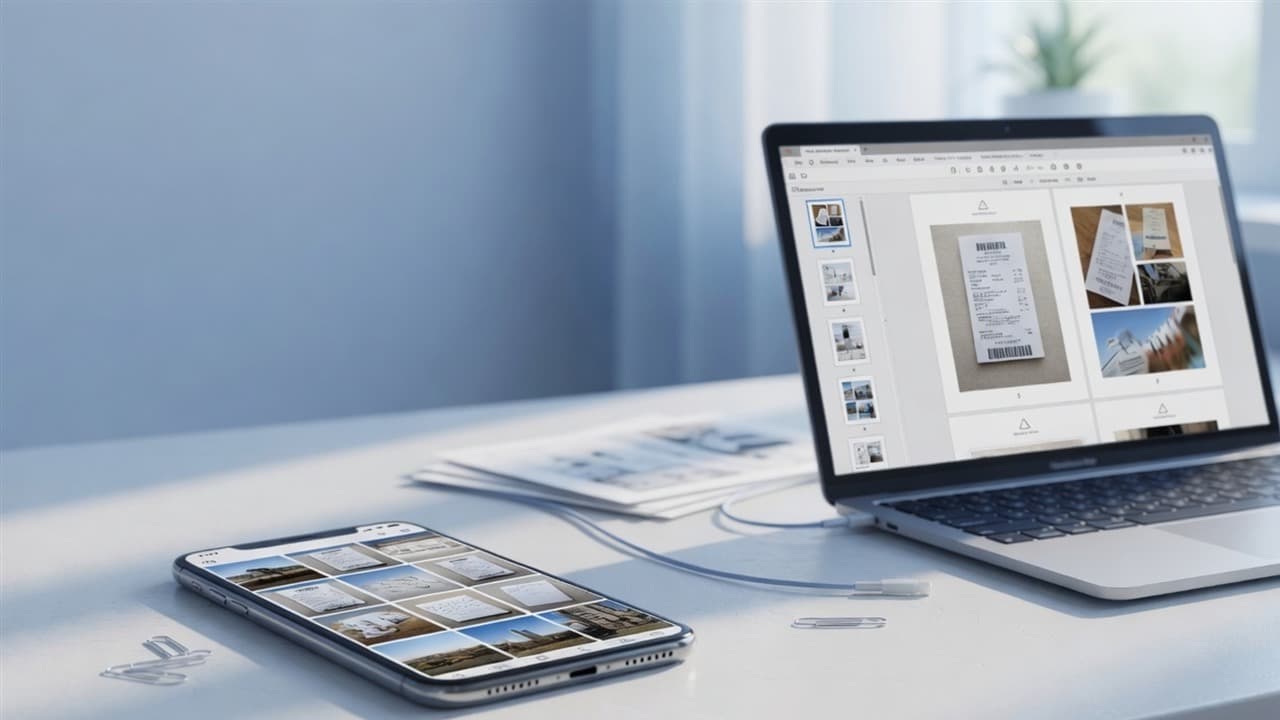
Photographed — sign white paper with a proper pen, photograph it, and the signature tools clean and size the image. This is the option when a wet-ink scan is explicitly requested, or when you want your real pen signature without redrawing it. The same pipeline powers the exam-form trick of combining a photo and signature into one image.
---
Placing the Signature Properly
Placement is where unsigned documents look amateur. Three rules:
- Size to the line. The signature should span the line's width loosely — roughly matching what a pen signature would occupy, not floating above it like a stamp.
- Baseline alignment. The bottom of the signature should sit *on* the line, not hover. Nudge it after placing; five seconds of adjustment separates professional from pasted.
- Date placement. If there's a "date" field beside the signature, place it in the same pass — don't come back for a second round.
Some portals demand a *flattened* PDF — signature baked into the page with nothing editable left. If a receiving system rejects your signed file, run it through Flatten PDF and upload the output. That single step resolves most "signature not accepted" errors from court, government, and HR systems.
---
Signing on iPhone vs Android: Any Difference?
With the browser route, almost none — which is the point. Both platforms handle the upload, drawing, and download identically. Two platform quirks worth knowing: iPhones save downloads to the Files app (look there if the download seems to vanish), and some Android mail apps open PDFs in a restricted preview — tap "open in browser" rather than fighting the preview. Beyond that, the workflow is the same on both, and the same on a borrowed tablet or a school Chromebook.
Common Questions, Quick Answers
- "Is an electronic signature legal?" For most everyday documents — agreements, HR forms, permissions — yes, in the US (ESIGN Act), the EU (eIDAS), and most jurisdictions. Real-estate closings, wills, and some government filings have special rules; check the receiving party's requirements for anything high-stakes.
- "Can I add text next to my signature?" Yes — Fill PDF places typed text anywhere on the page; many people sign and fill the date in one session.
- "My signature looks shaky." Draw bigger, then place smaller. Or switch to the typed style for internal documents.
- "The other person needs it printed." Then it was never an e-signature request — but you can still sign digitally and let *them* print it.
Bottom Line
The printer-and-scanner era of signing is over. Open Sign PDF on the phone already in your hand, draw once, place it well, flatten if the portal is strict — and send the signed document back before your laptop would have finished booting.
Topics
Yuvi Parmar
Founder & Lead EngineerYuvi Parmar is the founder and lead systems architect of PdfPixels. Specializing in high-performance browser computing, WebAssembly document tooling, and media compression pipelines, all guides and technical tutorials undergo rigorous empirical testing across Windows, macOS, iOS, and Android to ensure absolute workflow accuracy.
FAQFrequently Asked Questions
How do I sign a PDF on my phone for free?
Open a free browser tool like PdfPixels Sign PDF, upload the document, draw or type your signature, place it on the signature line, and download the signed PDF. No app installation or account needed.
How do I add a signature to a PDF on iPhone?
You can use the browser-based Sign PDF tool, or the built-in Markup feature in the Files and Mail apps. The browser route works identically on every device and saves a reusable signature.
Is signing a PDF on my phone legally binding?
For most everyday documents, yes — electronic signatures are recognized in the US (ESIGN Act), the EU (eIDAS), and most jurisdictions. Some transactions like wills and certain property deals have special requirements, so confirm with the receiving party for high-stakes documents.
Why was my signed PDF rejected by an upload portal?
Many government and court systems require flattened PDFs where the signature is baked into the page. Run the signed file through a free Flatten PDF tool and upload the flattened version.
Can I use my real handwritten signature on a phone-signed PDF?
Yes — either draw it with your finger, or photograph your pen-on-paper signature and place the cleaned-up image onto the line using the signature tools.