Sometime in the next few weeks it will happen again: a new client emails a blank W-9 and needs it "by end of day", HR sends a W-4 with your onboarding packet, or a landlord wants a signed W-9 PDF before releasing a deposit. None of these forms are editable by default — they are designed for pen and paper, and the standard advice is still "print it, sign it, scan it back."
I do not own a working printer, and if you are reading this in January or February, you probably do not want to pay $22/month for an Adobe Acrobat subscription just to type into a one-page government form. Here is the exact workflow I use with PdfPixels Fill & Sign IRS W-9 and the free PDF form filler to complete any US tax or HR form in about two minutes, entirely in the browser.
---
Quick Answer: What Is the Fastest Way to Fill and Sign a Tax PDF Online?
Short answer: Open the form in PdfPixels Fill PDF (or the dedicated W-9 tool for pre-mapped IRS fields), type directly onto the document, place your signature with the signature generator, download the flattened PDF, and compress it under the portal's size limit with Compress PDF if the upload form rejects it. No sign-up, no watermark, and the file never has to be printed or scanned.
---
Advertisement
Why "Print, Sign, Scan" Fails for Tax Forms
The print-and-scan ritual is not just annoying — it actively degrades the document you send back:
- Scanned forms lose quality and gain size. A 60 KB digital W-9 becomes a 1.5 MB scanned image with washed-out text, and some portals reject anything over a size ceiling. Filling the original digital PDF keeps it crisp and tiny.
- Flat scans cannot be typed over again. HR departments increasingly ask for a *typed* W-4 every time your withholding changes. A scan is a dead end; a filled PDF can be corrected in seconds.
- Pen signatures on tax forms are no longer required. The IRS explicitly accepts electronic signatures on most individual forms, and the ESIGN Act (15 U.S.C. ch. 96) makes typed or drawn signatures legally binding on federal paperwork just like ink.
---
Step-by-Step: Fill and Sign W-9, W-4, or I-9 Online
Step 1: Download the Official Blank Form
Always start from the authoritative source — irs.gov for federal forms or your HR portal for company-specific versions. Third-party "fillable" copies floating around search results are frequently last year's revision, and submitting an outdated form is the #1 reason accountants send them back.
Step 2: Open It in the Form Filler
Drag the PDF into Fill PDF Forms Online. If it is a W-9, use the dedicated Fill & Sign IRS W-9 preset — it maps the exact IRS field boxes (name, business name, tax classification, TIN) so you can tab through them in order instead of clicking each line.
For the I-9, remember that only the employee completes Section 1 — never sign the employer certification area, or the form must be redone.
Step 3: Add Your Signature
Place your signature anywhere the form asks for it: type your name in a handwriting font, draw it with a mouse or finger, or upload a photo of your ink signature and make the background transparent. The signature generator handles all three, and placing it takes one drag.
Step 4: Flatten and Verify
Download the completed PDF. A proper form filler flattens the field values into the page so nothing shifts when opened in another viewer — then open it once and zoom to 150% to verify your TIN digits. A transposed EIN is the fastest way to get a B-notice from the IRS six months later.
Step 5: Compress If the Portal Rejects It
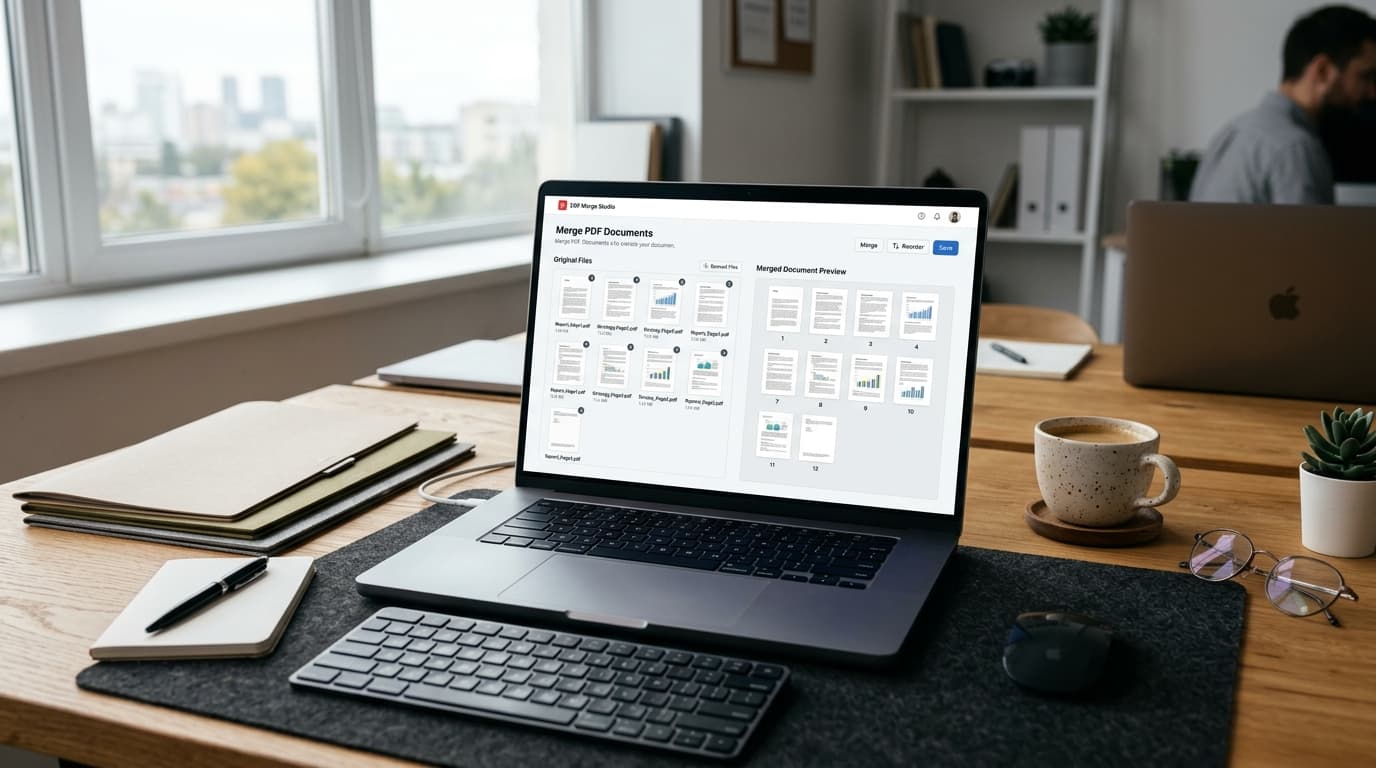
Government and vendor portals often enforce odd limits (some procurement systems cap uploads at 1 MB or 2 MB). If your filled form is too large, run it through Compress PDF — a one-page form compresses to well under 100 KB with zero visible quality loss. For multi-document packets (W-9 + W-4 + ID copy), combine them first with Merge PDF, then compress once.
---
Field-by-Field Notes for the Three Most Common Forms
| Form | Who signs it | The lines people get wrong | Keep it safe |
|---|---|---|---|
| W-9 (Rev. March 2024) | You (vendor/contractor) | Line 3 tax classification (LLC must also write D/S/C after the checkbox); Line 5–6 address must match IRS records if you receive 1099s by mail | Your SSN/EIN — see privacy notes below |
| W-4 (2026) | Employee | Step 2 multiple-jobs worksheet (skipping it under-withholds for two-income households); Step 4(b) deductions | Employer keeps it — no portal upload, but keep a personal copy |
| I-9 | Employee Section 1 only | Expiration dates on identity documents in List B/C; missing "alien registration number" field for work-authorized non-citizens | Contains ID document numbers — never email it unencrypted |
---
Advertisement
Your SSN Is on This Form — Handle It Accordingly
A completed W-9 contains your Taxpayer Identification Number, legal name, and address: everything an identity thief needs. Two habits keep it safe:
- Prefer tools that process files locally in your browser. PdfPixels form-filling runs client-side with WebAssembly — the PDF with your SSN never leaves your device. Server-assisted conversions run in ephemeral memory and are purged immediately after processing (our privacy architecture).
- Flatten before sending, and password-protect if emailing. If a W-9 must travel by email, lock it first with Protect PDF and share the password over a different channel (a text or phone call). That single step defeats most mailbox-compromise scenarios.
---
Do This Once, Reuse Forever
The real time-saver is saving your *filled* W-9 as a template: keep the version with every field except the signature and date, and next January you only add two elements before sending. Freelancers who invoice 10+ clients send the same W-9 a dozen times a season — two minutes each adds up to a full working hour saved.
---
Frequently Asked Questions About Filling Tax Forms Online
Advertisement
Topics
Yuvi Parmar
Founder & Lead EngineerYuvi Parmar is the founder and lead systems architect of PdfPixels. Specializing in high-performance browser computing, WebAssembly document tooling, and media compression pipelines, all guides and technical tutorials undergo rigorous empirical testing across Windows, macOS, iOS, and Android to ensure absolute workflow accuracy.
Advertisement
FAQFrequently Asked Questions
Is it legal to sign IRS forms electronically?
Yes. The IRS accepts electronic signatures on most individual tax forms, and the federal ESIGN Act gives typed or drawn signatures the same legal standing as ink. Some employer filings and third-party authorizations (like Form 2848 power of attorney) have stricter requirements — check the form instructions for the signature method they specify.
How do I fill out a W-9 online without printing it?
Download the blank W-9 from irs.gov, open it in a browser-based PDF form filler like PdfPixels Fill & Sign IRS W-9, type into each mapped field, place your signature, and download the flattened PDF. The whole process takes about two minutes and works on Windows, Mac, and phones.
Can I fill out an I-9 form online free?
Yes for the employee portion. Section 1 of Form I-9 must be completed and signed by the employee — you can type and sign it in a free online PDF filler — but the employer review and verification sections are completed by your employer, often in an HR system like E-Verify.
Why is my filled tax form PDF being rejected by the upload portal?
Most rejections are size limits or unflattened form fields. Compress the PDF under the portal's stated cap (Compress PDF can bring a one-page form under 100 KB) and make sure the fields are flattened into the page so the portal's viewer renders your answers.
Is it safe to enter my SSN into an online PDF filler?
It is safe when the tool processes the file locally in your browser — the document with your SSN never reaches a server. Avoid uploading completed W-9s to anonymous converters that store files indefinitely, and password-protect the PDF if you need to email it.
Which W-9 revision should I use in 2026?
Use the March 2024 revision (the current version published on irs.gov). Older revisions are still technically accepted by the IRS, but many accounting systems auto-reject non-current forms, so starting from the official latest version avoids rework.